How to Move Your Team from Excel to Business Software
Excel is a great place to start a business. But when many people edit the same sheets, mistakes and delays grow. This guide shows how to move from Excel to proper business software in clear, safe steps.
How do you move a small business from Excel to business software?
To move from Excel to business software, first list every sheet and what it is used for. Then pick one area to start with, such as billing or leads. Clean the data, choose ready-made or custom software, run a test with real records, train your team, and keep Excel read-only for a few weeks as a backup.
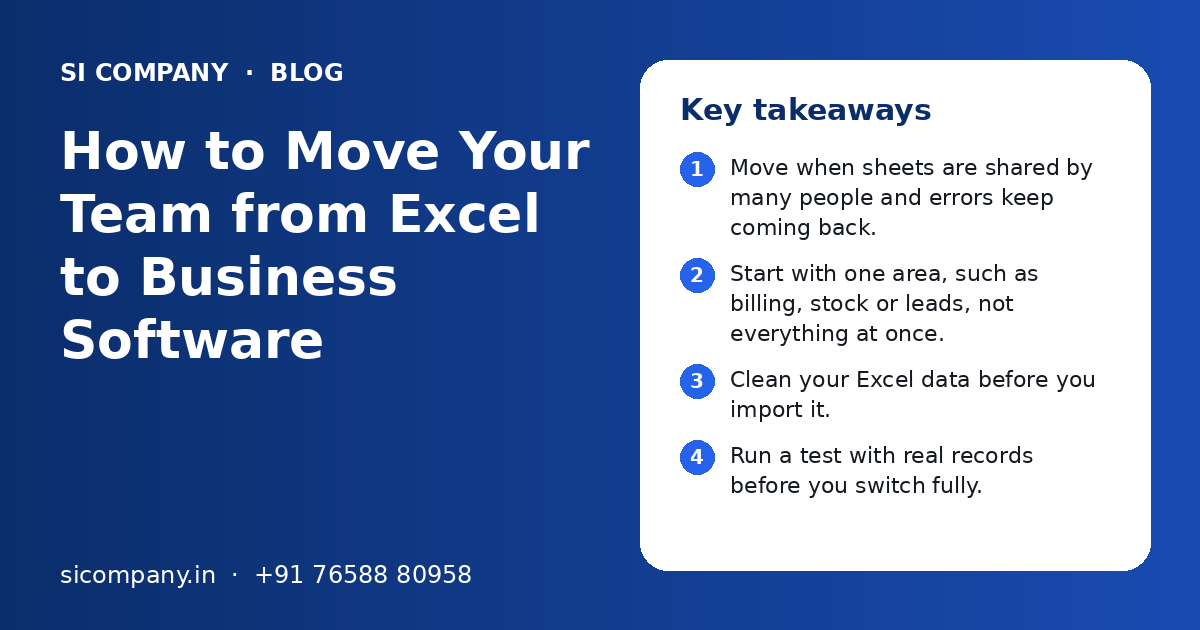
Key takeaways
- Move when sheets are shared by many people and errors keep coming back.
- Start with one area, such as billing, stock or leads, not everything at once.
- Clean your Excel data before you import it.
- Run a test with real records before you switch fully.
- Train staff with short sessions and simple guides in their own language.
- Keep the old Excel files read-only as a backup for a few weeks.
When is it time to move from Excel to business software?
It is time to move from Excel to business software when more than a few people work on the same sheets and you keep finding wrong numbers. Another sign is when making a simple report takes hours.
Excel is not the problem. It is a very good tool for one person doing calculations. The trouble starts when a whole team uses it as a database. Files get copied, emailed and saved with names like "final-new-2". Nobody is sure which one is correct.
Common signs you have outgrown Excel
- Two or more people edit the same file and overwrite each other's work.
- You keep many versions of the same sheet on laptops, email and WhatsApp.
- Stock in the sheet does not match stock on the shelf.
- Leads and follow-ups are missed because nobody updated the sheet.
- Monthly reports take a full day of copy and paste.
- Only one staff member understands the formulas, and work stops when they are on leave.
- You cannot control who sees salary, margin or customer data.
If three or more of these sound familiar, a move to software will likely save time every week. Our page on digital transformation for small business explains the bigger picture.
Excel vs business software: what is the real difference?
Excel stores numbers in cells that anyone can change. Business software stores records with rules, so data stays correct, each user sees only what they need, and reports update on their own.
| Point | Excel sheets | Business software |
|---|---|---|
| Many users at once | Edits clash or need sharing tricks | Many users work at the same time safely |
| Data rules | Anyone can type anything in any cell | Fields check format, such as GSTIN or phone number |
| Access control | Whole file is open or closed | Each role sees only its own screens |
| History | Hard to know who changed what | Every change is logged with user and time |
| Reports | Built by hand each time | Ready reports and dashboards, always current |
| Mobile use | Hard to use on a phone | Works in a browser or mobile app |
| Reminders | None | Alerts on WhatsApp, SMS or email |
| Best for | Calculations, quick analysis, one person | Daily work shared by a team |
You do not have to stop using Excel. Most teams still export data to Excel for quick analysis. The change is that Excel is no longer the place where the real records live.
How to move from Excel to business software, step by step
The safest way is to move one area at a time, with a test run before the real switch. Here are the steps we follow with clients.
- 1
List every sheet
Write down each Excel file, who uses it, how often, and what decision it supports. You will often find old sheets that nobody needs.
- 2
Pick the first area
Choose the area that causes the most pain, such as billing, stock, leads or staff attendance. Start there.
- 3
Write down the process
Note each step in simple words. For example: enquiry comes on WhatsApp, sales person calls, quote is sent, order is booked.
- 4
Choose the software
Decide between a ready-made tool and custom software. Check if it supports GST, UPI, Indian date formats and your language needs.
- 5
Clean the data
Remove duplicates, fix phone numbers and GSTINs, and agree on one name for each product and customer.
- 6
Test with real records
Import a copy of the data into a test system. Let two or three staff use it for real tasks for a few days.
- 7
Train the team
Run short training sessions by role. Share simple guides and screen recordings.
- 8
Switch and freeze Excel
Pick a start date. From that day, new entries go only into the software. Keep the old files read-only.
- 9
Review after a month
Check what is working, fix small problems and then plan the next area.
How do you clean and prepare Excel data before the move?
Clean data before you import it, not after. If you move messy sheets, the new software will show the same mistakes in a new place.
Excel data in Indian businesses often has the same problems. Customer names are typed in many ways. Phone numbers have +91 in some rows and not in others. Dates are saved as text. Product names differ between the shop and the godown.
Data cleaning checklist
- Merge customers and suppliers saved more than once.
- Use one format for phone numbers, with or without +91, but the same everywhere.
- Check GSTIN, PAN and state codes for typing errors.
- Give each product one code and one name.
- Convert dates stored as text into real dates.
- Separate old, inactive records from live ones.
- Match opening balances and stock with your accounts.
For large or messy files, or data spread across Tally, old billing tools and many sheets, a planned data migration service is safer than copy and paste. It includes field mapping, test imports and total checks.
Which software should you move to first?
Move first to the software that fixes your biggest daily problem. For most small businesses, that is billing, stock or lead follow-up.
| Your Excel problem | Software that helps | What changes |
|---|---|---|
| Bills made in Excel or Word | GST billing software | Correct invoices, tax totals and UPI payment links |
| Stock sheet never matches shelf | Inventory software | Live stock across shop and godown, low-stock alerts |
| Leads lost in sheets and phones | CRM | Every enquiry tracked with follow-up reminders |
| Many sheets for sales, stock and accounts | Small business ERP | One system for orders, stock, billing and reports |
| Reports take a full day | Dashboard | Live charts that update on their own |
| Approvals done over WhatsApp | Workflow tool | Clear approval steps with a record of who approved |
You can read more on each option: billing software, inventory management software, CRM solutions and ERP for small business. If your main need is reports, see custom dashboard development.
Ready-made tool or custom software: which is better after Excel?
A ready-made tool is better if your process is common and you want to start quickly. Custom software is better if your process has special steps, many users, or needs to connect many systems.
Ready-made tool
- Quick to start, often within days
- Low cost to begin with
- Good for standard billing or simple CRM
- Vendor handles updates
Custom software
- Built around your exact process
- No per-user fee that grows with your team
- Can include local language labels and your own report formats
- Takes longer to build and needs a clear plan
Many teams start with a ready-made tool and later move to custom software when they grow. That is a fine path. The key is to pick a tool that lets you export your data, so you are never locked in.
How do you get your team to actually use the new software?
Staff use new software when it is easier than the old sheet. Keep screens simple, train by role and remove the option to go back to Excel.
Many people are comfortable with Excel and worry that new software will slow them down. Listen to them early. Ask what annoys them in the current sheets. Then show how the software removes that problem.
Simple ways to help adoption
- Show each role only the screens they need.
- Use labels in Hindi, Punjabi or another local language if staff prefer it.
- Make short screen recordings and share them on the team WhatsApp group.
- Pick one helper in each team who answers small questions.
- Set up reminders so the software tells staff what to do next.
- Ask managers to review reports only from the software, not from Excel.
Small workflow automation helps too. When the software sends a reminder or creates a task on its own, staff feel the benefit in the first week.
What mistakes should you avoid when you replace Excel with software?
The most common mistakes are moving everything at once, skipping data cleaning and not training staff. Each one can make a good tool fail.
- Trying to replace every sheet in one go. Start with one area.
- Copying the messy Excel layout into the new software instead of fixing the process.
- Importing data without a test run.
- Choosing software only on looks, without checking GST, UPI and export options.
- Giving everyone full admin access.
- Keeping Excel open for new entries after the switch.
- Not planning backups and who owns the data.
- No one person in charge of the change.
What affects the cost and time of moving from Excel to software?
Cost and time depend on how many areas you move, how messy the data is, and whether you choose a ready-made tool or custom software. We do not give a fixed price without understanding your process; you get a clear quote after a free call.
| Factor | Why it matters |
|---|---|
| Number of sheets and areas | Each area needs setup, data import and training |
| Data quality | Messy data needs more cleaning time |
| Number of users and roles | More roles need more access rules and training |
| Ready-made or custom | Custom software takes longer to build but fits better |
| Integrations | Links to Tally, payment gateways or WhatsApp add work |
| Reports needed | Special report formats take extra design and testing |
A single area, such as moving a lead sheet to a CRM, can often be done in a short time. A full move of sales, stock and accounts takes longer and is best done in phases. Our team at SI Company, powered by Shivah Web Tech, has 11+ years of experience and a 25+ member in-house team. Contact us to plan your first step.
Related Pages
Data Migration
Move data from old software, Excel or email safely to new systems.
ERP for Small Business
One simple system for stock, sales, purchase, accounts and staff.
CRM Solutions
Custom and ready-made CRM setup to track every lead and customer.
Custom Dashboards
One screen that shows your sales, stock, cash and team numbers live.
Frequently Asked Questions
Is Excel enough for a small business in India?
Excel is enough when one or two people manage simple records and calculations. It becomes hard when many staff edit the same files, when you need GST bills, live stock or lead reminders, or when you want control over who sees what. At that stage, simple business software saves time and reduces errors.
Can I import my existing Excel data into new software?
Yes. Most business software can import Excel or CSV files. The data must be cleaned first, with one format for names, phone numbers, dates and codes. A test import with a copy of the data shows problems early, before the real switch. Always keep the original files as a backup.
How long does it take to move from Excel to business software?
It depends on how many areas you move and how clean your data is. Moving one lead sheet to a CRM can be quick. Moving billing, stock and accounts together takes longer and is better done in phases. Data cleaning and staff training usually take more time than the software setup itself.
Will my staff find new software hard to use?
Not if it is set up well. Show each role only the screens it needs, use simple words and local language labels where helpful, and train in short sessions. Most staff accept the change once they see that the software removes boring copy and paste work and sends them reminders.
Should I stop using Excel completely?
No. Excel is still useful for quick analysis and one-off calculations. The change is that daily records such as bills, stock, leads and orders live in the software. You can export reports to Excel whenever you need them. Just do not allow new entries in old sheets after the switch.
Which is better after Excel, a CRM or an ERP?
A CRM is better if your main problem is lost leads and follow-ups. An ERP is better if your problems are spread across orders, stock, billing and accounts. Many small businesses start with a CRM or billing tool and add more modules later, step by step.
What should I check before choosing software to replace Excel?
Check that it supports GST invoices, UPI payments and Indian date and number formats. Make sure you can export all your data at any time. Ask about user roles, backups, mobile access, support hours and how updates are handled. Try it with your own real data before you decide.
Talk to our team today
Call or WhatsApp +91 76588 80958. We reply fast, Monday to Friday.