Quick answer
What are the main CRM development cost factors for an Indian business?
The main CRM development cost factors are the number of modules and screens, user roles and permissions, integrations such as WhatsApp, IndiaMART, website forms and Tally, data import from Excel or an old system, a mobile app, reports, hosting and yearly support. A small, focused first version costs less. You get a clear quote after a free call.
Key takeaways
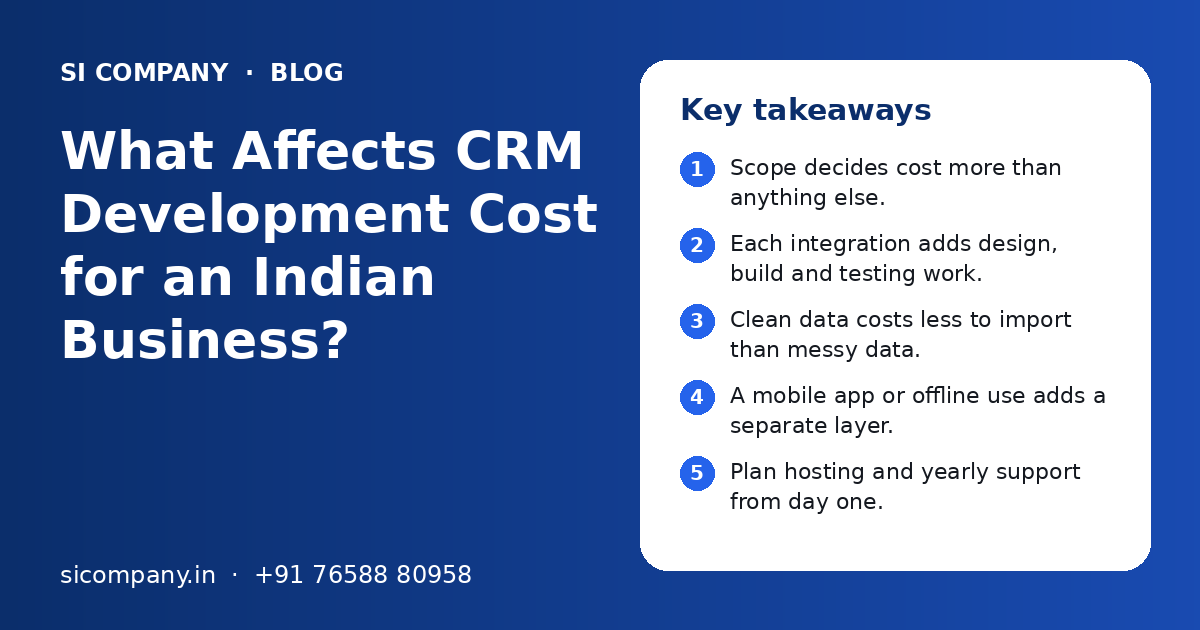
- Scope decides cost more than anything else.
- Each integration adds design, build and testing work.
- Clean data costs less to import than messy data.
- A mobile app or offline use adds a separate layer.
- Plan hosting and yearly support from day one.
- Start small, then add modules in phases.
What are CRM development cost factors, and why do quotes differ so much?
CRM development cost factors are the parts of a project that add work: features, users, integrations, data, design, hosting and support. Quotes differ because each company assumes a different scope, even when the request sounds the same.
For example, one owner asks for "a CRM to track leads". One vendor quotes for a lead list with a few stages. Another quotes for lead capture from five sources, auto assignment, WhatsApp follow-ups, a field staff app and a manager dashboard. Both are "a CRM". The work is very different.
So the first step is not to ask for a price. It is to write down what the CRM must do in the first version. If you are still deciding between building and buying, our CRM solutions page compares custom CRM with ready-made tools.
How do features and modules change the cost?
Features are the biggest cost factor. Every module needs screens, rules, testing and training, so more modules mean more work.
Most Indian SMEs need a core set first. Other modules can wait for a second phase.
| Module | What it does | Effect on effort |
|---|---|---|
| Lead management | Capture, assign and track leads by stage | Core work, needed by almost everyone |
| Follow-up reminders | Tasks, call reminders, next action dates | Low to medium |
| Customer and contact records | Full history of calls, notes and deals | Low to medium |
| Quotations and proposals | Make quotes with GST, send as PDF | Medium, more with approval steps |
| Sales pipeline and targets | Deal stages, targets per person | Medium |
| Reports and dashboards | Source-wise, staff-wise and stage-wise reports | Medium to high, depends on number of reports |
| After-sales and service tickets | Complaints, AMC visits, service history | Medium to high |
| Field staff tracking | Visits, check-ins, location on a phone | High, often needs a mobile app |
Custom rules add hidden work
A simple field like "lead source" is quick. A rule like "if a lead from IndiaMART is not called in 30 minutes, move it to the next person and alert the manager" takes more effort. Such rules are often worth it, but count them when you compare quotes.
Industry needs also add work. A property business needs projects, units, site visits and booking stages. Our real estate CRM page shows how those extra parts fit in.
Do the number of users and roles affect CRM cost?
Yes, but mainly through roles, not headcount. A custom CRM usually has no per-user licence fee, so adding staff costs little. What adds work is how many different roles there are and what each role can see and do.
A two-role CRM (owner and sales staff) is simple. A CRM with sales staff, team leads, branch managers, accounts, service team and dealers needs a full permission system. Each role sees different menus, data and reports.
- Data limits: a salesperson sees only own leads, a branch manager sees the branch, the owner sees all.
- Action limits: only managers can reassign leads or give a discount above a set level.
- Approval chains: quotes above a limit go to the owner for approval.
- Outside users: dealers, channel partners or customers logging in to a portal.
How much do integrations add to CRM development cost?
Integrations are often the second largest cost factor. Each connection to another tool needs setup, mapping of fields, error handling and testing with real data.
In India, a CRM is useful only when leads flow in on their own. That usually means several connections.
| Integration | Why businesses want it | What adds work |
|---|---|---|
| Website forms | Leads land in the CRM at once | Usually simple |
| WhatsApp Business API | Send templates, reminders and get replies | Template approval, message logs, opt-in handling |
| IndiaMART, Justdial and similar portals | Pull buyer enquiries automatically | Depends on what each portal allows and its format |
| Meta and Google lead forms | Ad leads go straight to sales | Account access and field mapping |
| Tally or accounting software | Share customers, invoices and payments | Data matching and two-way sync rules |
| UPI or payment links | Collect booking amounts or fees | Payment status updates and refunds |
One-way connections (data comes in) are simpler than two-way sync (data moves both ways and must stay matched). Ask each vendor which kind they are quoting. Our API integration page explains how these links are built and tested.
Why does data import and migration change the quote?
Moving old data into a new CRM takes time, and messy data takes much more time. Clean, well-arranged data is quick to import. Data spread across many Excel files, phones and an old system needs cleaning first.
Many businesses have years of leads in Excel, Google Sheets, a Tally ledger, phone contacts and WhatsApp chats. Before import, someone has to decide which records to keep, remove duplicates and match columns to the new fields.
- List every place your customer and lead data lives today.
- Decide how many years of history you really need.
- Fix phone numbers into one format, with country code.
- Keep a full backup of old data before any import.
- Test import a small sample first and check it with your team.
If you are moving from an older CRM or custom tool, the export format matters. A clean CSV export is easier than a database with no documentation. Our data migration services page covers this step in more detail.
Need help with your project?
Talk to the SI Company team. Free first call, simple advice, clear quote.
Does a mobile app or offline use raise CRM cost?
Yes. A web CRM that works well in a phone browser is the base. A separate Android or iPhone app, or offline use for field staff, adds a new layer of design, build, testing and store publishing.
Many teams do not need a native app on day one. A mobile-friendly web CRM is enough for office staff and most sales teams. A native app makes sense when field staff need location check-ins, photos, offline entry in weak network areas or push alerts.
Mobile-friendly web CRM
- One system to build and maintain
- Works on any phone and laptop
- Updates reach everyone at once
- Lower start cost
Separate mobile app
- Extra build and testing for Android and iPhone
- Play Store and App Store publishing and updates
- Offline sync needs careful design
- Higher start and upkeep effort
A middle path is a progressive web app, which can be added to the home screen and handle some offline work. Our mobile app development page explains when a full app is worth it.
What other factors shape the cost of building a CRM?
Design, reports, languages, security, hosting and support also affect cost. They are easy to miss in a first quote, so ask about each one.
Design and ease of use
A simple, clean layout based on standard parts costs less than fully custom screens. For most CRMs, simple and fast is better anyway.
Reports and dashboards
Five clear reports cost less than thirty. Start with the reports you will really read each week: leads by source, follow-ups due, conversions by person and lost reasons. You can add more later, or build a separate custom dashboard when your data grows.
Indian languages
Showing the CRM in Hindi, Punjabi or another language means translated labels and testing.
Security and backups
Role-based logins, HTTPS, activity logs and daily backups should be in every CRM. Extra needs, such as two-step login, IP limits or detailed audit trails, add some work.
Hosting
The CRM runs on a cloud server. Cost depends on users, data size, files such as photos and documents, and backup needs. See our cloud solutions page for how we plan this.
Support and changes after launch
Every CRM needs small fixes, updates and new requests after go-live. Plan for a yearly support plan from the start. Our software maintenance and support page explains what a plan usually covers.
Fixed price or time and material: which pricing model fits a CRM project?
Fixed price suits a CRM with a clear, written scope. Time and material suits a project where needs will change as you go. Many businesses use a fixed price for phase one and a monthly plan for later changes.
| Point | Fixed price | Time and material |
|---|---|---|
| Best for | Clear scope, first version | Changing needs, long-term work |
| Budget | Known before start | Depends on hours used |
| Changes | Handled as change requests | Easy to add any time |
| Risk | Scope gaps cause extra change requests | Cost can grow without a clear plan |
Whatever model you choose, ask for the scope, timeline, payment stages and what counts as a change in writing. Check that the quote shows GST clearly.
How can you keep CRM development cost under control?
Start with a small first version that solves your biggest problem, then add modules in phases. This keeps cost lower, gets your team using the CRM sooner and shows which features really matter.
- 1
Write your sales process on one page
List lead sources, stages, who does what and where leads get lost today.
- 2
Mark must-have and later features
Keep only what you need in the first three months in phase one.
- 3
Pick the key integrations
Start with your top two or three lead sources and WhatsApp, if you use it.
- 4
Clean your data early
Remove duplicates and fix formats before the import step.
- 5
Get a written scope and quote
Compare vendors on the same scope, not on headline price.
- 6
Launch, train and review
Train staff, use it for a few weeks, then plan phase two from real feedback.
Common mistakes that raise cost
- Asking for every feature in version one.
- Leaving data cleaning until the last week.
- Not naming one decision-maker on your side.
- Forgetting hosting, outside service charges and support in the budget.
Linking the CRM with simple business automation, such as auto-assignment and reminder messages, often saves more staff time than adding extra screens.
What should you ask before you accept a CRM quote?
Ask questions that show exactly what is included, what is not, and what happens after launch. Clear answers protect your budget more than a low headline price.
- Which modules, screens and reports are included?
- Which integrations are included, and are they one-way or two-way?
- Who cleans and imports old data, and how many records?
- Is a mobile app included, or a mobile-friendly web CRM?
- Who owns the source code and the data?
- Where will it be hosted, and who pays the hosting bill?
- How many rounds of changes are included before launch?
- What does yearly support cover, and what are the response times?
SI Company is powered by Shivah Web Tech, with 11+ years of work, a 25+ in-house team and 500+ projects. We are happy to review your scope even if you are comparing quotes. Contact us to book a free call, and you get a clear quote after it.
Frequently Asked Questions
What is the biggest factor in CRM development cost?
Scope is the biggest factor. The number of modules, custom rules and reports decides most of the work. Integrations with WhatsApp, lead portals and accounting software come next. A focused first version with only must-have features costs much less than a full system, and you can add more later in phases.
Is a custom CRM more costly than a ready-made CRM?
A custom CRM usually costs more at the start, because it is built for you. A ready-made CRM has a low start cost but a monthly fee per user that continues as long as you use it. Over several years, with a growing team, a custom CRM can work out reasonable. Compare total cost over five years before deciding.
How much does it cost to build a CRM for a small business in India?
There is no single price, because it depends on modules, users, integrations, data import, a mobile app and support. A small lead tracking CRM is very different from a full sales and service system. Write down your process and must-have features, and you get a clear quote after a free call.
Does WhatsApp integration increase CRM cost?
Yes, a little. Connecting the WhatsApp Business API needs setup, message templates, logs and testing. The WhatsApp provider also charges for messages, which is separate from the CRM build. For many Indian businesses this cost is worth it, because most customer talks already happen on WhatsApp.
Are there yearly costs after the CRM is built?
Yes. Plan for cloud hosting, backups, domain, outside service charges like SMS or WhatsApp messages, and a yearly support plan for fixes and small changes. Unlike most ready-made CRMs, a custom CRM usually has no per-user fee, so adding staff does not raise your yearly cost much.
Does the number of users change CRM development cost?
Not much by itself. A custom CRM rarely charges per user. What adds work is the number of roles and permission rules, such as who sees which leads and who can approve discounts. Many users at the same time may need a bigger server, which affects hosting more than the build.