Quick answer
What are the main workflow automation cost factors for an Indian business?
The main workflow automation cost factors are the number of workflows and steps, approval rules and exceptions, links to tools like Tally, WhatsApp, email and your CRM, ready-made tool or custom build, forms, hosting and support. Starting with one clear process keeps cost low. You get a clear quote after a free call.
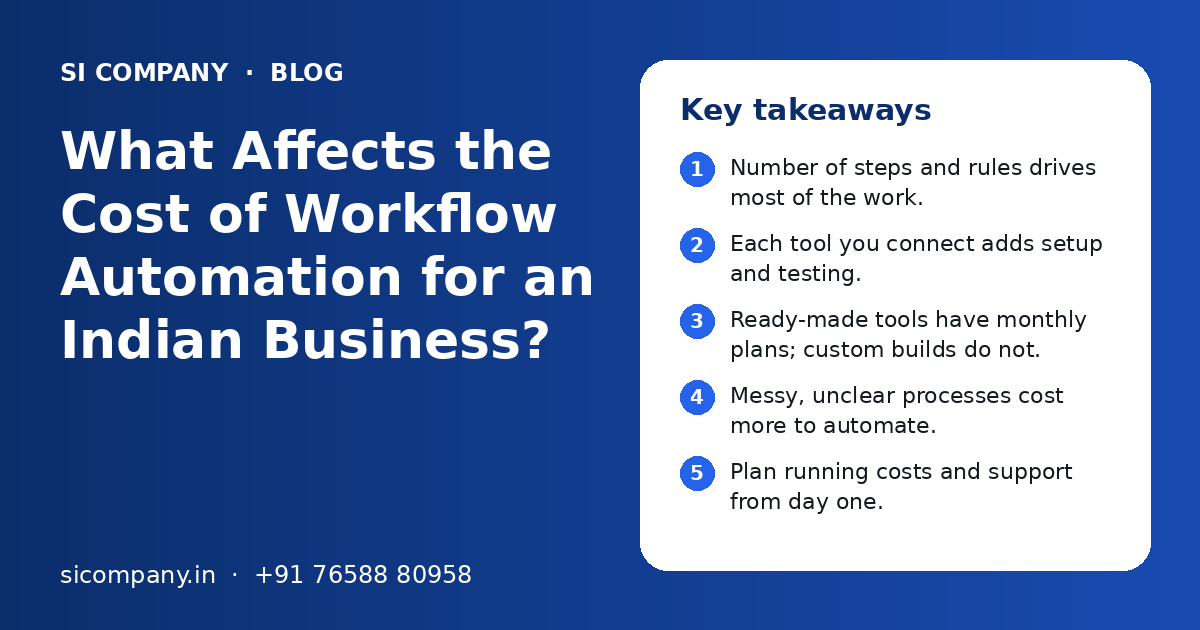
Key takeaways
- Number of steps and rules drives most of the work.
- Each tool you connect adds setup and testing.
- Ready-made tools have monthly plans; custom builds do not.
- Messy, unclear processes cost more to automate.
- Plan running costs and support from day one.
- Start with one painful process, then grow.
What are workflow automation cost factors?
Workflow automation cost factors are the parts of a project that add work: the number of steps, the rules between them, the tools that must be connected, the data involved and the support needed after launch. More of each means more design, build and testing time.
Quotes differ because each vendor imagines a different scope. One owner asks to "automate leave approval". One vendor quotes for a simple form with an email to the manager. Another quotes for a form, two levels of approval, a link to payroll, WhatsApp alerts and a monthly report. Both are "leave approval automation". The work is very different.
So before you ask for a price, write down the process as it runs today. Our workflow automation page shows the kinds of processes that are usually automated first.
How do the number of workflows and steps change the cost?
This is the biggest factor. Each workflow needs its own form, steps, alerts and testing, and each extra step inside a workflow adds more of the same.
A short workflow with two or three steps is quick to set up. A long one that passes through sales, stores, accounts and the owner takes more time, because every hand-off needs a rule, a message and a check.
| Workflow example | Typical steps | Effect on effort |
|---|---|---|
| Leave request | Staff applies, manager approves, HR is told | Low |
| Expense claim | Upload bill, manager check, accounts payment | Low to medium |
| Purchase request | Request, quote comparison, approval, PO, receipt | Medium |
| Customer quote approval | Sales draft, discount check, owner sign-off, send | Medium |
| New customer onboarding | Form, KYC documents, checks, account setup, welcome message | Medium to high |
| Order to dispatch | Order, stock check, packing, invoice, dispatch, tracking update | High |
Count steps, not screens
When you list your process, count every hand-off between people. A process with eight hand-offs is close to double the work of one with four. Removing even one needless step before automation lowers both cost and future upkeep.
If you have many processes in mind, do not price them all at once. Pick the one that causes the most delays and phone calls. Wider plans are covered on our business automation page.
Do approval rules, conditions and exceptions add to the cost?
Yes. Simple straight-line flows are cheap to build. Rules such as "if the amount is above a limit, send it to the owner" or "if no reply in a day, remind and escalate" add design and testing work.
Rules are often the most useful part of automation, so they are worth paying for. But each one must be clear, written down and tested with real cases.
- Amount-based rules: small purchases go to the manager, large ones go to the owner.
- Time-based rules: a reminder if a task sits untouched, and escalation after that.
- Branch or department rules: each branch head approves only their own requests.
- Holiday and leave rules: when the approver is away, the task goes to a backup person.
- Rejection paths: what happens when a request is sent back for changes.
Exceptions are where hidden work lives
Most owners describe the normal path. Extra work comes from odd cases, like a request that needs two departments or a customer with special terms. Ask your team what usually goes wrong, and list it. Each exception planned now saves a costly change later.
How much do integrations with other tools add?
Integrations are usually the second largest cost factor. Each connection needs access, field mapping, error handling and testing with real data.
In India, a workflow rarely stays inside one tool. A purchase approval may need to create an entry in Tally. A customer onboarding flow may send a WhatsApp message and save files to Google Drive.
| Integration | Why it is useful | What adds work |
|---|---|---|
| Email and Google Workspace or Microsoft 365 | Alerts, calendar entries, file storage | Usually simple |
| WhatsApp Business API | Alerts and approvals on the phone staff already use | Template approval, opt-in, message logs |
| Tally or accounting software | Push approved bills, vouchers or invoices | Ledger matching and checks to avoid wrong entries |
| CRM | Start a workflow when a deal is won | Field mapping and two-way updates |
| UPI or payment gateway | Mark a step done when payment arrives | Payment status, refunds and failures |
| Old in-house software | Keep using a system you rely on | Depends on whether it has an API or only a database |
One-way links, where data only flows in, are simpler than two-way sync, where both systems must stay matched. Ask each vendor which kind they are quoting. Our API integration page explains how these links are built and tested.
Some tools have no easy way to connect. Then the vendor may need to use exports or build a small bridge, which adds work. Raise it early.
Need help with your project?
Talk to the SI Company team. Free first call, simple advice, clear quote.
Ready-made automation tool or custom build: which costs less?
Ready-made tools like Zapier, Make or n8n cost less to start, but most have a monthly plan that grows with usage. A custom build costs more at the start, but you avoid per-task fees and get full control. The right choice depends on volume, rules and how long you will use it.
| Point | Ready-made automation tool | Custom-built workflow |
|---|---|---|
| Start cost | Lower, uses existing building blocks | Higher, built for your process |
| Running cost | Monthly plan, often based on tasks or runs | Hosting and support, no per-task fee |
| Complex rules | Possible, but can get messy | Easier to shape exactly |
| Screens and forms | Limited, often needs another tool | Built to match your team |
| Data location | Stored with the tool provider | Stored on your own cloud server |
| Best for | Simple flows, low volume, quick start | Core processes, high volume, many rules |
Many businesses mix both: a ready-made tool for small jobs and a custom workflow for core work like purchase approval.
Do users, forms, mobile access and documents change the cost?
Yes, but in different ways. The number of users matters less than the number of roles. Forms, mobile use, file uploads and AI steps each add their own layer of work.
Roles and permissions
Ten staff with one role is simple. Staff, team leads, branch heads, accounts and the owner, each seeing different requests, needs a proper permission setup. Count roles, not people.
Forms and screens
A short form with five fields is quick. A long form with sections, auto-filled data, GST number checks and file uploads takes more time. If staff need a dashboard to see pending tasks, that adds screens too. A separate custom dashboard can come later.
Mobile access
A workflow that works well in a phone browser is the base. A separate mobile app, offline use or photo capture from site visits adds more build and testing.
Documents and AI steps
Creating PDFs such as purchase orders or approval letters adds template work. Reading bills or forms with AI, so staff do not type them, adds another layer that needs checking and testing. Our AI business solutions page explains where AI helps and where a simple rule is enough.
What running costs come after workflow automation goes live?
Plan for hosting, tool plans, message charges and support. These are smaller than the build, but they continue every month or year, so include them in your budget from the start.
| Running cost | What it covers | Who you usually pay |
|---|---|---|
| Cloud hosting | The server that runs a custom workflow, plus backups | Hosting provider |
| Automation tool plan | Monthly or yearly plan for Zapier, Make or similar | Tool provider |
| WhatsApp and SMS charges | Per-message or per-conversation charges | Message provider |
| Support plan | Fixes, small changes, updates when other tools change | Your development partner |
| Licences of linked tools | Existing software like Tally, Google Workspace or a CRM | Each software provider |
Support matters more in automation than in many other projects. When a connected tool changes its login or format, a flow can stop without warning. A support plan with monitoring catches this early. Our software maintenance and support page explains what a plan covers, and our cloud solutions page explains how hosting is planned.
How can you keep workflow automation cost under control?
Start with one process that hurts the most, make it simple on paper, then automate it. Learn from it before adding more. This keeps cost low and shows real value fast.
- 1
Pick one painful process
Choose the one that causes the most delays, missed steps or follow-up calls each week.
- 2
Write each step on one page
Note who does what, what they need and what happens when something goes wrong.
- 3
Remove needless steps
Drop approvals and copies that exist only out of habit.
- 4
List the tools it must touch
Mark which links are must-have now and which can wait.
- 5
Clean the data it uses
Fix vendor lists, item names and staff details so the flow does not break on bad data.
- 6
Get a written scope and quote
Compare vendors on the same scope, not just on the final figure.
- 7
Launch, train and review
Run it for a few weeks, collect feedback, then plan the next process.
Common mistakes that raise cost
- Trying to automate every process in one go.
- Automating a messy process without fixing it first.
- Not naming one person on your side who can make decisions.
- Forgetting tool plans, message charges and support in the budget.
- Changing rules again and again after the build has started.
If you are not sure which process to pick first, a short technology consulting session can help you rank them by effort and benefit.
What should you ask before you accept an automation quote?
Ask questions that make the scope, the running costs and the support terms clear. Clear answers protect your budget more than a low headline figure.
- Which workflows, steps and rules are included?
- Which tools will be connected, and are links one-way or two-way?
- Is it built on a ready-made tool or custom code, and why?
- What monthly tool plans or message charges will I pay on my own?
- Who owns the workflows, the code and the data?
- How will failures be spotted and who will be told?
- How many rounds of changes are included before launch?
- What does yearly support cover, and what are the response times?
SI Company is powered by Shivah Web Tech, with 11+ years of work, a 25+ in-house team and 500+ projects. We work online from our Mohali office with businesses across India, Monday to Friday, 9:30 to 6:30 IST, with 24x7 emergency support for urgent issues. Contact us to book a free call. You get a clear quote after it.
Frequently Asked Questions
What is the biggest factor in workflow automation cost?
The number of workflows, steps and rules is the biggest factor. Each hand-off between people needs a rule, an alert and testing. Integrations with tools like Tally, WhatsApp or a CRM come next. A single, clear process with a few steps costs much less than a long process with many exceptions and links.
How much does workflow automation cost for a small business in India?
There is no single price. It depends on how many processes you automate, how many steps and rules each has, which tools must be connected, and whether you use a ready-made tool or a custom build. Write down one process step by step, and you get a clear quote after a free call.
Is Zapier or Make cheaper than custom automation?
At the start, usually yes. Ready-made tools reuse existing building blocks, so setup is faster. But most charge a monthly plan based on tasks or runs, which grows with volume. For simple, low-volume flows they are often the better choice. For core processes with many rules and high volume, a custom build can work out more sensible over a few years.
Are there monthly costs after automation is set up?
Yes. Plan for automation tool plans if you use one, cloud hosting for custom flows, WhatsApp or SMS message charges, licences of linked software and a support plan. Support is important because connected tools change over time, and a flow can stop working without a clear warning if nobody is watching it.
Does connecting Tally increase automation cost?
It adds some work. The flow must match ledgers, items and tax details correctly, and it needs checks so wrong entries are not posted. Testing with your accountant is part of the job. The effort depends on your Tally setup and how the data will move, so share sample entries when you ask for a quote.
Is workflow automation worth the cost for a small business?
It is often worth it when a process repeats many times a week, involves several people, and causes delays or mistakes today. Fewer follow-up calls, clear records and faster approvals add up over time. If a task happens only a few times a month, a simple checklist may be enough, and automation can wait.