Quick answer
Barcode vs RFID for small business: which one should an Indian shop, warehouse or factory choose?
In the barcode vs RFID for small business choice, most shops and small godowns should start with barcodes or QR codes. They are simple, low cost and work with phones and billing software. RFID makes sense when you count large stock often, track high-value assets or move many items through a gate. Many businesses use both.
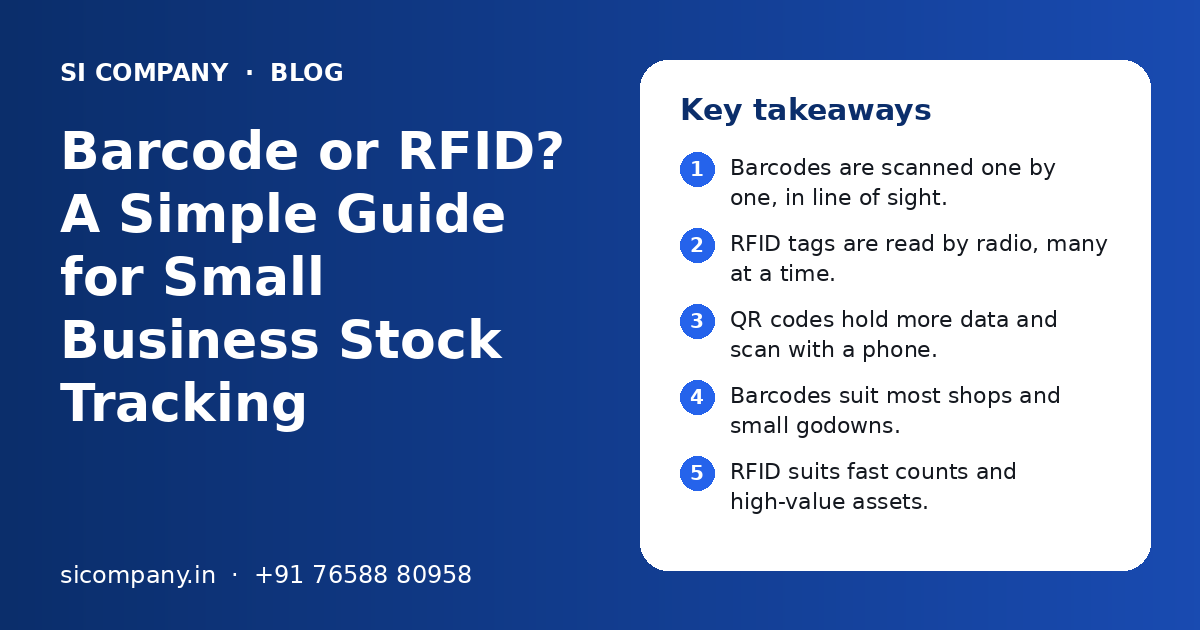
Key takeaways
- Barcodes are scanned one by one, in line of sight.
- RFID tags are read by radio, many at a time.
- QR codes hold more data and scan with a phone.
- Barcodes suit most shops and small godowns.
- RFID suits fast counts and high-value assets.
- Good software matters more than the label type.
What is the difference between barcode and RFID?
A barcode is a printed pattern that a scanner reads with light, one label at a time. An RFID tag holds a small chip and antenna, and a reader picks up its signal by radio, often many tags at once and without seeing the label.
In both cases, the label only holds a code. The real information, such as item name, price, stock and location, lives in your software. This is why the barcode vs RFID for small business decision is really about how you want to capture data, not about the data itself.
If you do not yet have a proper stock system, start there. Our inventory management software page explains how live stock is tracked across shops and godowns.
How do barcode and RFID compare side by side?
Barcodes win on simplicity and low running cost. RFID wins on speed and on reading items you cannot see.
| Point | Barcode / QR code | RFID |
|---|---|---|
| How it is read | Light, label must face the scanner | Radio waves, label need not be visible |
| Items per scan | One at a time | Many at a time |
| Reading distance | Short, close to the label | Short to several metres, based on tag and reader |
| Reader | Scanner gun or phone camera | Handheld, fixed or gate reader |
| Trouble spots | Damaged or badly printed labels | Metal and liquids can block signals |
| Setup effort | Low, quick to start | Higher, needs testing in your site |
| Best fit | Retail billing, small godowns, spare parts | Large stock counts, assets, gates, apparel |
For most small businesses, the table points to barcodes first. RFID earns its place when the time saved in counting and checking is large enough to justify the extra setup.
When is a barcode system the right choice?
Choose barcodes when items are handled one by one, as in billing, picking and receiving. Barcodes are easy to print, easy to scan and supported by almost every billing and stock software.
Signs barcodes will do the job
- Your counter staff bill items one at a time.
- You have a few hundred or a few thousand items, not huge volumes moving in bulk.
- Most products already come with a maker's barcode on the pack.
- You want staff to scan with a phone or a simple scanner gun.
Barcode pros
- Low label cost and easy printing
- Works with phones and simple scanners
- Supported by most billing software
- Staff learn it in a day
Barcode cons
- One item at a time, so full counts are slow
- Label must be clean and in view
- Labels can tear, fade or peel
- Hard to scan items on high racks
Barcodes also make billing faster and stop wrong rates. Our billing software development page shows how barcode scanning fits into GST billing.
When is RFID worth it for a small business?
RFID is worth it when counting or checking many items takes too much staff time, or when losing an item is costly. It reads many tags in seconds and does not need each label to be in view.
Signs RFID may pay off
- You count large stock often and each count takes days.
- Goods move in cartons or on pallets through a gate or door.
- You track tools, laptops, moulds or machines that go missing.
- Items are high value, so each loss hurts.
RFID pros
- Reads many tags at once
- No need for line of sight
- Tags are tougher than paper labels
- Fixed readers can log goods at gates on their own
RFID cons
- Tags and readers cost more than barcode labels and scanners
- Metal and liquids can weaken reads
- Needs a site test before full rollout
- Readers may pick up nearby tags by mistake if not tuned
Where do QR codes fit in stock and asset tracking?
QR codes sit between normal barcodes and RFID. They work like barcodes, one scan at a time, but hold more data and are easy to scan with any smartphone.
Most people in India already know QR codes from UPI payments, so staff feel at home with them. That makes QR codes a good choice for field staff, service teams and asset tags.
- Asset tags: stick a QR code on each machine, AC or laptop. Scan it to see its details and service history.
- Batch details: a QR code can carry batch number and expiry date, which helps pharma and food businesses.
- Field service: technicians scan a QR on the machine to open the right job card.
- Small godowns: staff use a phone app instead of buying scanners.
QR codes still need line of sight and one scan per item, so they do not solve slow counting the way RFID does. For field teams who scan assets on site, see our field service management software page.
Need help with your project?
Talk to the SI Company team. Free first call, simple advice, clear quote.
How do barcode and RFID connect to your software?
Scanners and readers only capture codes. Your inventory, billing or ERP software turns those codes into stock entries, bills and reports.
- 1
Clean your item master
Give every item one unique code, one clear name and one unit. Remove duplicates before you print a single label.
- 2
Decide the label type for each item group
Use maker barcodes where they exist, your own barcodes or QR codes for the rest, and RFID only where the pilot shows real value.
- 3
Link codes to the software
Each code must map to one item, batch or asset in your stock or ERP system. Test this mapping with sample items.
- 4
Set up scanning points
Decide where scans happen: receiving, put-away, picking, billing, dispatch, gate or asset audit.
- 5
Connect hardware
Scanner guns act like keyboards. Phone apps use the camera. RFID readers send data to the software through an API or a small connector.
- 6
Train staff and run a trial
Show staff each scan step, then run one full week with both old and new methods to compare results.
Barcode scanning usually needs little extra work, because scanner guns type the code like a keyboard. RFID readers send many reads at once, so the software must filter repeats and handle bulk updates. That part often needs custom work through API integration.
If you run more than one godown or branch, the stock system should sit inside a wider plan. Our ERP software for small business page explains how stock links with purchase, sales and accounts.
A phone app is often the cheapest way to start scanning. Staff can scan barcodes and QR codes with the camera, and some rugged Android devices also support RFID. Our mobile app development team builds such scanning apps.
What affects the cost of a barcode or RFID system?
Cost depends on how many items you tag, what kind of tags and readers you need, how much software work is required and how many staff and locations you cover. RFID usually costs more to start than barcodes.
| Cost factor | Barcode / QR | RFID |
|---|---|---|
| Labels or tags | Printed labels, low cost each | Tags cost more; metal-mount and tough tags cost more again |
| Readers | Scanner guns or phones | Handheld, fixed or gate readers with antennas |
| Printers | Label printer | RFID printer if you encode tags in-house |
| Software work | Usually simple scan-to-item mapping | Bulk reads, filters, gate logic, alerts |
| Site testing | Rarely needed | Needed to tune readers for metal, liquids and layout |
Also think about running costs. Barcode labels are printed again and again, while RFID tags on assets and crates can often be reused. Compare total cost over a few years.
We do not give fixed prices because every site is different. You get a clear quote after a free call.
Barcode vs RFID: which should you choose for your business type?
Match the method to how goods move in your business. Use barcodes where items are handled one by one, and RFID where many items move together or must be checked often.
| Business type | Usual first choice | Why |
|---|---|---|
| Retail shop or pharmacy | Barcode | Fast billing, maker barcodes already on packs |
| Small godown or distributor | Barcode or QR | Simple receiving and picking with phones |
| Large warehouse with pallets | Barcode now, RFID pilot | RFID gates can speed up inward and dispatch |
| Apparel store or brand | RFID | Many similar items, frequent full counts |
| Factory tool room or moulds | RFID or QR | Track costly items and who has them |
Many businesses mix both. A distributor might use barcodes at the billing counter and RFID on returnable crates. A manufacturer might use barcodes on finished goods and RFID on moulds and tools.
For a warehouse-focused view, read our older post on warehouse management software for small business.
What mistakes should you avoid with barcode or RFID?
The biggest mistake is buying hardware before fixing your item data and process. Labels only work if each code points to clean, correct data.
- Printing labels before cleaning the item master, so one product gets two codes.
- Skipping a site test, then finding that metal racks block reads.
- Using cheap labels that fade or peel in heat and dust.
- Not training staff, so they skip scans and type codes by hand.
- Not linking scans to billing and accounts, so stock and Tally still do not match.
If your current software cannot handle scans well, it may be time to update it. Our software maintenance and support team can add scanning features to an existing system. To see stock, scans and shortages in one view, a custom dashboard helps.
How can SI Company help you set up barcode or RFID tracking?
We help you choose the right method, clean your item data and connect scanners or readers to your stock, billing or ERP software. We start small and grow the system as results show.
SI Company is powered by Shivah Web Tech, with 11+ years of work, a 25+ in-house team and 500+ projects. We work from Mohali, Punjab, and serve businesses across India. Office hours are Monday to Friday, 9:30 to 6:30 IST, with 24x7 emergency support for urgent issues.
If you are not sure where to begin, our technology consulting team can walk your shop floor or godown process with you. Contact us to book a free call, and you get a clear quote after the call.
Frequently Asked Questions
What is the main difference between barcode and RFID?
A barcode is a printed label that a scanner reads with light, one item at a time, and the label must face the scanner. An RFID tag has a chip and antenna, and a reader picks it up by radio. RFID can read many tags at once and does not need the tag to be in view.
Is RFID worth it for a small business in India?
RFID is worth it when counting or finding items takes a lot of staff time, or when items are costly to lose. Apparel stores, large warehouses and factory tool rooms often benefit. For most small shops and godowns, barcodes or QR codes are enough. Run a small pilot before you decide on a full rollout.
Can I use my phone to scan barcodes for stock?
Yes. A mobile app can use the phone camera to scan barcodes and QR codes and update stock in your software. This is a low-cost way to start, especially for small godowns and field staff. For high-volume billing counters, a scanner gun is faster and easier on staff over a full day.
Is a QR code better than a barcode for inventory?
A QR code holds more data and scans easily with any phone, so it suits asset tags, batch details and field work. A normal line barcode is smaller, simpler and already printed on most retail products. Many businesses use maker barcodes for products and their own QR codes for assets and locations.
Can barcode and RFID work in the same system?
Yes. Your inventory or ERP software can accept both. Each barcode or RFID tag simply maps to an item, batch or asset record. Many businesses use barcodes at the billing counter and RFID for crates, tools or high-value stock. The software keeps one stock number no matter how the scan was made.
What affects the cost of a barcode or RFID system?
Cost depends on the number of items to tag, the type of labels or tags, the readers and printers needed, how many locations you cover and the software work needed to connect scans with stock and billing. RFID usually costs more to start. You get a clear quote after a free call.