Quick answer
CRM vs ERP for small business: which one should a growing business get first?
In the CRM vs ERP for small business choice, start with a CRM if your main problem is lost leads, slow follow-ups and weak sales tracking. Start with an ERP if your main problem is stock, purchase, billing and accounts mistakes. Pick the system that fixes your biggest daily pain, and plan the other as a later phase.
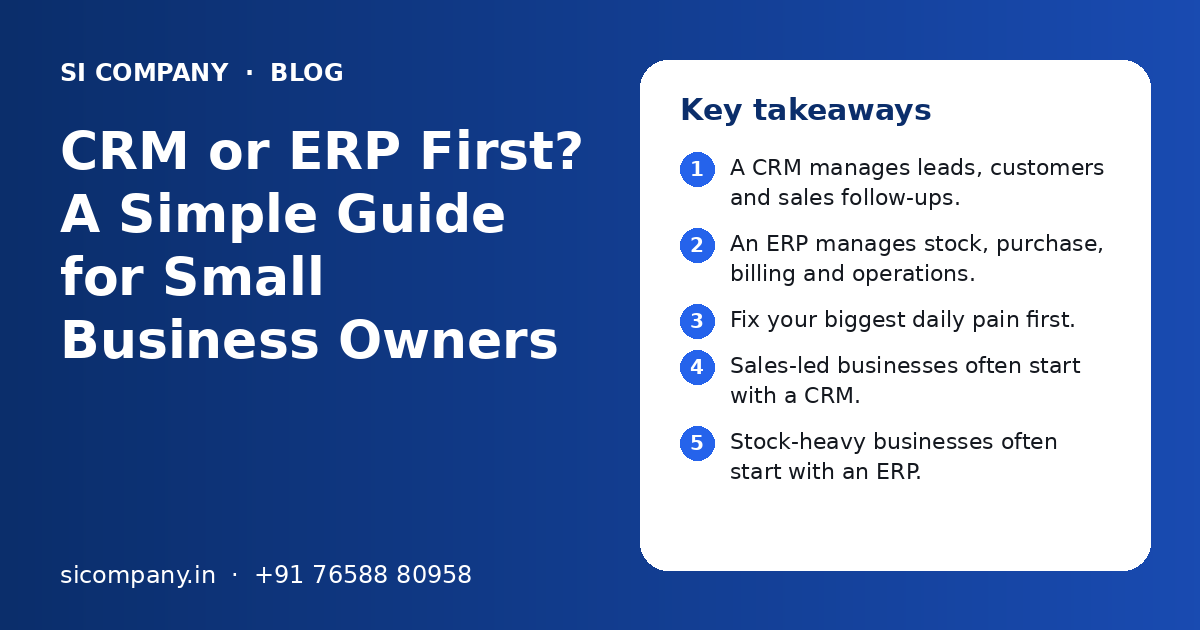
Key takeaways
- A CRM manages leads, customers and sales follow-ups.
- An ERP manages stock, purchase, billing and operations.
- Fix your biggest daily pain first.
- Sales-led businesses often start with a CRM.
- Stock-heavy businesses often start with an ERP.
- Plan both to share data later.
What is the difference between CRM and ERP?
A CRM looks after the customer side of the business: leads, calls, follow-ups, quotes and deals. An ERP looks after the inside of the business: stock, purchase, billing, accounts, production and staff work.
A simple way to remember it: a CRM helps you win the customer. An ERP helps you serve the customer and run the business after the order comes in.
Both can be bought as ready-made tools or built for your business. Our CRM solutions page and our ERP software for small business page explain each one in more detail.
CRM vs ERP for small business: how do they compare side by side?
The main difference in CRM vs ERP for small business is focus. A CRM is built around the sales team. An ERP is built around stock, money and operations.
| Point | CRM | ERP |
|---|---|---|
| Main job | Win and keep customers | Run operations and control costs |
| Main users | Owner, sales staff, team leads, service team | Owner, accounts, store, purchase, production |
| Key records | Leads, contacts, calls, follow-ups, deals | Items, stock, orders, invoices, payments, vendors |
| Typical problems it fixes | Missed leads, no follow-up, no sales visibility | Stock mismatch, billing errors, double entry |
| Common links | Website forms, WhatsApp, IndiaMART, ads | Tally, GST billing, e-way bill data, banks |
| Setup effort | Usually smaller and quicker | Usually larger, touches more teams |
| Data cleaning needed | Lead and contact lists | Item masters, stock counts, opening balances |
| Typical first win | No lead is lost, clear daily follow-up list | Live stock and fewer billing mistakes |
The two overlap in one area: sales orders and quotations. Some CRMs make quotes. Some ERPs have a small lead list. This overlap is one reason owners get confused. Look at where your daily problems are, not at feature lists.
When should a growing business get a CRM first?
Get a CRM first when sales is your bottleneck. If leads come in but slip away, or you cannot see what each salesperson is doing, a CRM gives the fastest benefit.
Signs you need a CRM now
- Leads arrive from the website, WhatsApp, IndiaMART, Justdial and ads, and some are never called back.
- Follow-up dates live in notebooks, phone reminders or one person's memory.
- When a salesperson leaves, their leads and customer history go with them.
- You cannot say which lead source brings the most sales.
- Quotes are made in Word or Excel and sent by hand.
- Your sales cycle has many calls and visits before a deal closes.
This pattern is common in service firms, real estate, education and coaching, B2B traders and companies that sell high-value items. For these businesses, the order count is not huge, but each lead is worth a lot. Losing even a few leads hurts.
Property businesses, for example, need site visits, project details and booking stages. Our real estate CRM page shows how a CRM fits that kind of sales process.
When should a growing business get an ERP first?
Get an ERP first when operations are your bottleneck. If orders are fine but stock, purchase, billing and accounts keep going wrong, an ERP fixes the bigger problem.
Signs you need an ERP now
- Stock in the register does not match stock in the godown.
- The same order is typed into Excel, the billing app and Tally.
- You find out an item is out of stock only when a customer asks.
- Month-end closing takes days because data is spread across files.
- Purchase is done on guesswork, not on real sales and stock data.
- You have more than one godown, branch or production unit.
This pattern is common in traders, distributors, manufacturers, retail chains and wholesalers. These businesses have many items, many orders and tight margins. A small error in stock or billing, repeated every day, costs real money.
If stock is the main pain, a focused inventory management software can be a good first step before a full ERP. For GST invoices and payment tracking, see our billing software development page.
How do you decide which one to start with?
Write down your top three daily problems and see whether they sit in sales or in operations. The system that fixes the most painful problem should come first.
- 1
List your daily pains
Ask the owner, sales head, accounts and store staff what goes wrong most often. Write each one down in plain words.
- 2
Mark each pain as sales or operations
Missed leads and slow follow-ups are sales. Stock errors, double entry and late billing are operations.
- 3
Count the cost of each pain
You do not need exact numbers. Ask which problem loses customers, money or staff hours most often.
- 4
Check what you already use
If Tally and a billing app already work well, you may need a CRM first and only link it to them.
- 5
Pick a small first phase
Choose only the must-have parts of one system for the first version. Keep the rest for later.
- 6
Plan how the two will connect
Even if you start with one, decide how customer and order data will move to the other system later.
| Your situation | Usual first choice | Why |
|---|---|---|
| Many enquiries, few staff, long follow-ups | CRM | Stops lead loss and gives a daily task list |
| Many items, many orders, stock errors | ERP or inventory system | Fixes stock and billing first |
| Few products, big projects, many visits | CRM | Sales cycle is long and needs tracking |
| Manufacturing with job work and raw material | ERP | Production and material planning come first |
| Both sales and stock are weak | Start with the bigger pain, plan both | One system at a time is easier to adopt |
If you are still unsure, an outside view helps. Our technology consulting team can map your process and suggest a sensible order.
Need help with your project?
Talk to the SI Company team. Free first call, simple advice, clear quote.
Can CRM and ERP work together?
Yes. CRM and ERP work best when they share data. A won deal in the CRM can become a sales order in the ERP, and the ERP can send back stock, invoice and payment status.
When the two are connected, sales staff can see whether an item is in stock before they promise a delivery date. Accounts can see which salesperson brought a customer. The owner gets one view from enquiry to payment.
- Customer details: created once and shared, so names and GST numbers match in both systems.
- Quotes and orders: a confirmed quote turns into a sales order without retyping.
- Stock check: sales staff see available stock in the CRM.
- Invoices and dues: the CRM shows invoice and payment status from the ERP or Tally.
- Reports: one dashboard shows leads, orders, billing and collections together.
These links are built with APIs. One-way links are simpler. Two-way links need clear rules for which system is the master for each field. Our API integration page explains how this is planned and tested.
Should you buy one big system that does both?
Some ERP products include a CRM module, and some CRMs add order and stock features. One system can work, but only if both parts are good enough for how your team really works.
One combined system
- One login and one data source
- No integration to build between the two
- One vendor to talk to
- Shared customer records by default
Separate CRM and ERP, linked
- Two systems to set up and maintain
- Integration work is needed
- Each system can be the right fit for its own team
- You can start one now and add the other later
The risk with one big system is that one side is weak. A strong ERP may have a basic CRM that your sales team finds slow. A strong CRM may have stock features that are too simple for a distributor. Ask for a demo with your own data for both parts before deciding.
What mistakes should you avoid when choosing CRM or ERP?
The most common mistake is buying based on features instead of problems. The second is trying to do everything in phase one.
- Buying an ERP because a competitor has one, when your real problem is lost leads.
- Putting every module in version one, so the project becomes slow and staff feel lost.
- Moving messy Excel data into the new system without cleaning it first.
- Forgetting the link with Tally, GST billing or WhatsApp until late in the project.
If you are moving from spreadsheets, our older post on how to move from Excel to business software gives a simple plan. Our data migration services page explains how old data is cleaned and moved.
What affects the cost of a CRM or ERP project?
Cost depends on scope: the number of modules, users and roles, integrations, data import, a mobile app and support. An ERP usually touches more teams, so it often needs more setup work than a CRM.
| Factor | Effect on a CRM | Effect on an ERP |
|---|---|---|
| Modules | Leads, follow-ups, quotes, service | Sales, purchase, stock, billing, production, HR |
| Integrations | Website, WhatsApp, lead portals, ads | Tally, GST, banks, barcode, e-commerce |
| Data import | Lead and customer lists | Items, opening stock, ledgers, vendors |
| Roles | Sales staff, team leads, managers | Store, accounts, purchase, branch heads |
| Mobile use | Field sales and visit check-ins | Store scanning, delivery staff |
Ready-made tools often charge a monthly fee per user. Custom software has a larger start cost but usually no per-user fee. Compare total cost over a few years, not just the first month. Our software subscription vs one-time license post explains this in more detail.
There is no fixed price because every business is different. You get a clear quote after a free call.
How can SI Company help you choose and build the right system?
We start by understanding your process, then suggest whether a CRM, an ERP or a small first step makes most sense. We build only what you need now and plan the rest in phases.
SI Company is powered by Shivah Web Tech, with 11+ years of work, a 25+ in-house team and 500+ projects. Our team works from Mohali, Punjab, and serves businesses across India. Office hours are Monday to Friday, 9:30 to 6:30 IST, with 24x7 emergency support for urgent issues.
Not sure where to begin? Contact us to book a free call. Tell us your top three daily problems, and you get a clear quote after the call.
Frequently Asked Questions
What is the main difference between CRM and ERP?
A CRM manages the customer side of a business: leads, calls, follow-ups, quotes and deals. An ERP manages the operations side: stock, purchase, billing, accounts, production and staff. A CRM helps you win customers. An ERP helps you deliver orders and control costs. Many growing businesses use both, linked together.
Should a small business buy CRM or ERP first?
It depends on where your biggest daily problem is. If leads are lost and follow-ups are slow, start with a CRM. If stock, billing and double entry cause trouble, start with an ERP. Fix the bigger pain first, keep the first phase small, and plan the second system for later.
Do small businesses really need an ERP?
Not always. A small business with few items and simple billing may manage well with Tally and a good billing tool. An ERP becomes useful when you have many items, more than one godown or branch, production, or when the same data is typed in many places. Then one connected system saves real time.
Can a CRM and an ERP share data?
Yes. They can be linked through an API so customer details, quotes, sales orders, stock levels, invoices and payment status move between them. This avoids retyping and gives the owner one view from enquiry to payment. Plan which system is the master for each type of data before building the link.
Is a CRM cheaper than an ERP?
A CRM usually needs less setup because it serves fewer teams and has fewer modules. An ERP touches sales, purchase, stock, billing and accounts, so it often needs more work. But the real cost depends on your scope, integrations, data import and support. You get a clear quote after a free call.
Can I use Tally with a CRM instead of buying an ERP?
Yes, many Indian businesses do this. They keep Tally for accounts and GST, and use a CRM for leads and sales. The two can be linked so customer and invoice data match. Later, if stock and operations grow complex, an ERP can be added and connected to both.
How long does it take to set up a CRM or an ERP?
A focused CRM first version usually takes less time than an ERP, because it covers fewer teams and less data. An ERP needs item masters, opening stock and ledgers to be set up and checked. The exact time depends on scope, data quality and how quickly your team gives feedback during testing.